Best fits
- UI screenshots and design validation.
- Rendered asset comparison and visual regression checks.
- Color-sensitive review where exact or perceptual differences matter.
- Local inspection workflows where images should stay on your machine.
 ABDiff
macOS
ABDiff
macOS
Visual regression on macOS
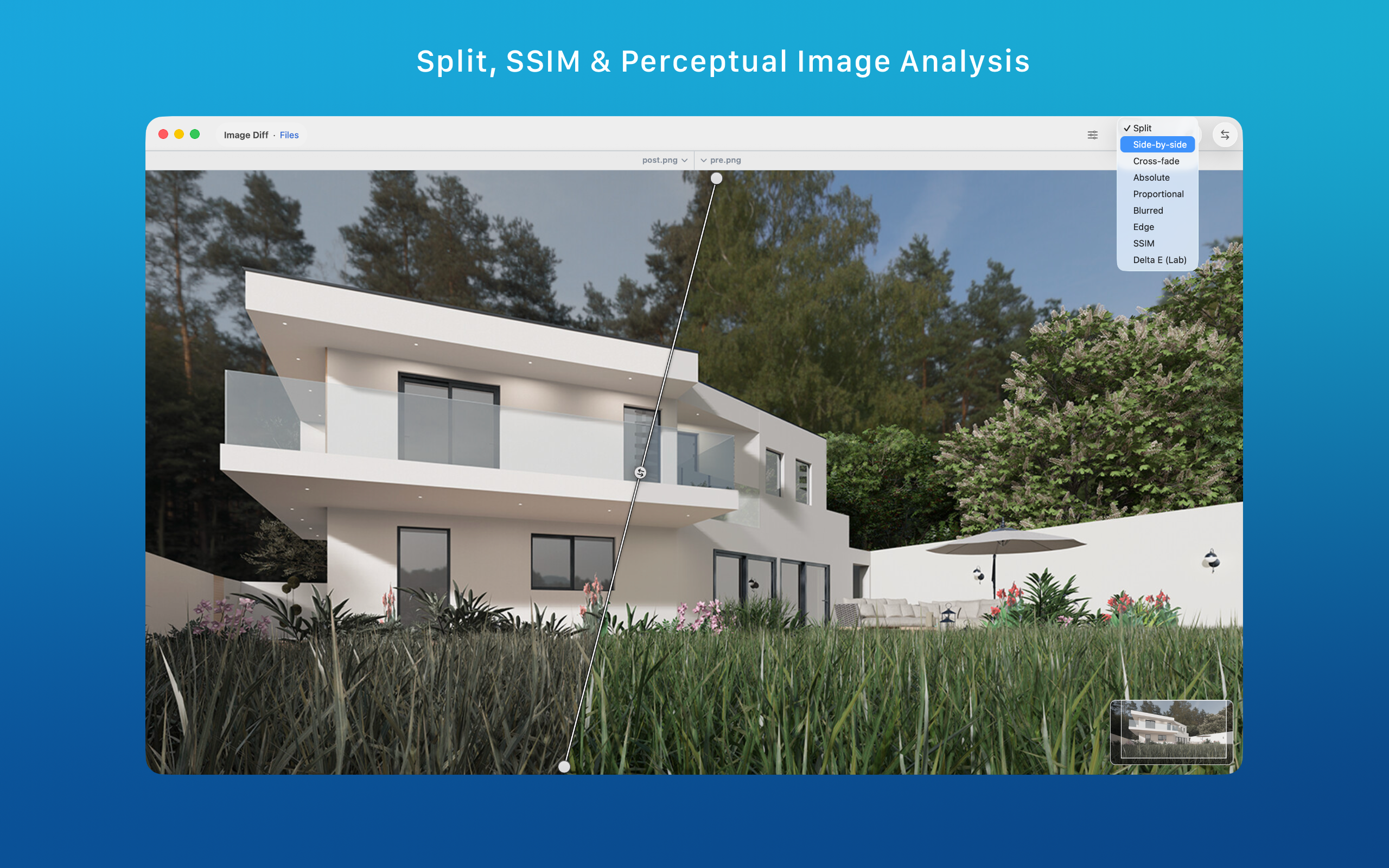
ABDiff is an image diff tool for macOS that helps you compare screenshots, renders, and visual assets with split view, crossfade, change boxes, SSIM, Delta E, alignment controls, and loupe-based inspection.
It is built for the cases where pixel output matters but a single diff mode is not enough. You can switch between human inspection views and metric-driven comparison views depending on what you are validating.
| Need | Recommended mode | Why |
|---|---|---|
| Quick visual review | Split or crossfade | Good for checking layout, spacing, and overall appearance with direct human inspection. |
| Find changed regions | Change Boxes | Highlights localized areas that changed, which is useful when the assets are already aligned. |
| Exact pixel differences | Absolute or proportional difference | Shows low-level changes that might matter in rendering or export pipelines. |
| Perceptual similarity | SSIM or Delta E | Useful when human-perceived structure or color change is more important than raw pixel deltas. |
ABDiff includes alignment strategies, a cursor-following loupe, zoom and pan, and multiple inspection views. That matters when the goal is not just to say that two images differ, but to understand why they differ and whether the change is acceptable.